
Describing Access Point Discovery and Join Process for CCNP 350-401 ENCOR
1. Introduction and exam relevance
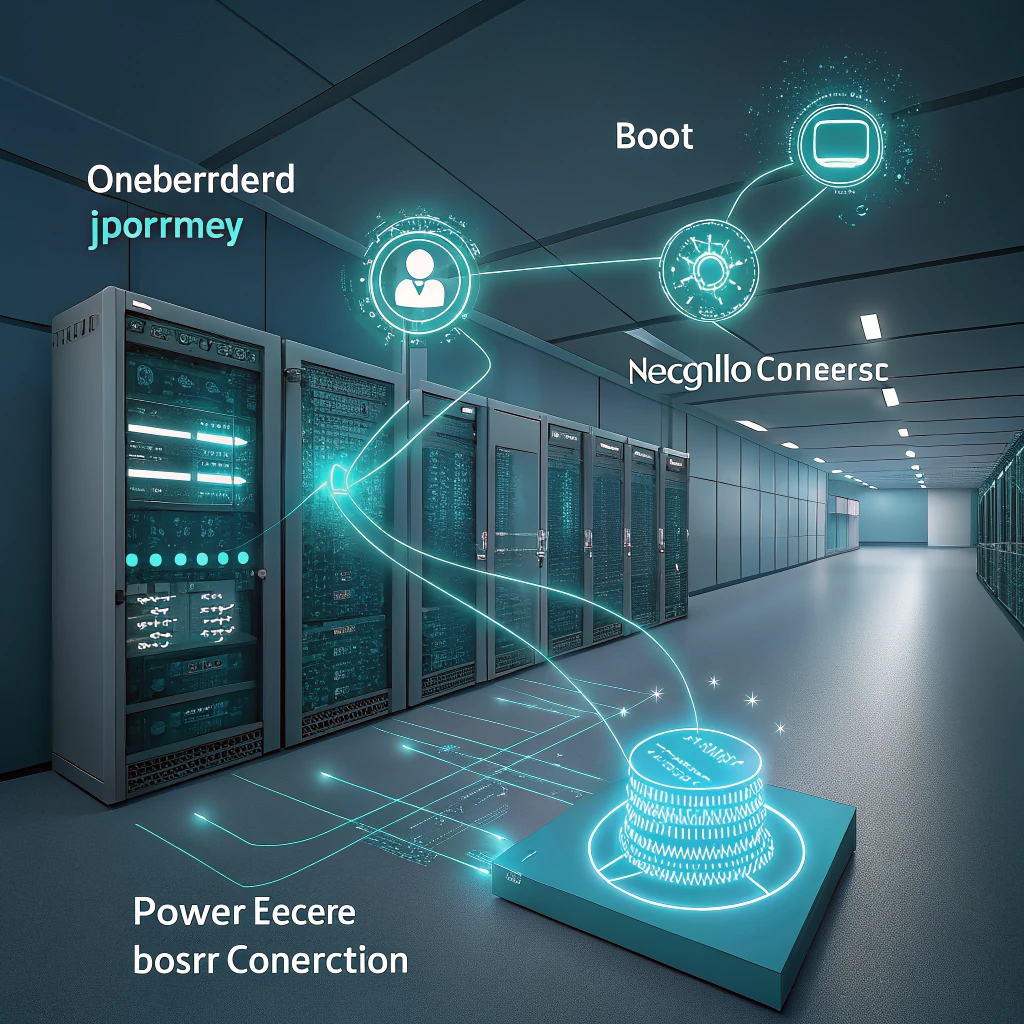
For CCNP 350-401 ENCOR, AP onboarding is not merely “a wireless thing.” Hardly. It is an end-to-end infrastructure chain—one link after another: power, boot, network settings, controller discovery, controller choice, secure CAPWAP join, possible software alignment, configuration delivery, registration. Miss one step, and service can collapse before a single client ever says hello.
And the exam? It wants the distinctions, cleanly. Discovery versus join. Common discovery sources. How a controller gets selected. Why an AP may discover a controller and still refuse to register. In the field, too, the culprit is often not RF at all—PoE, VLANs, DHCP, DNS, routing, ACLs, MTU, time, certificates, controller capacity, software support... the usual suspects. Frustrating? Yes. Predictable? Also yes.
2. Discovery vs join: the key distinction
Discovery is the AP’s way of learning that candidate controllers exist. Join is the moment the AP actually forms the secure CAPWAP relationship with one chosen controller—and gets accepted, provisioned, and registered.
That difference matters. A discovery response only tells you, “A controller was found.” It does not mean secure CAPWAP is established, certificates are valid, software matches, regulatory rules are satisfied, or registration has truly completed. Yeah, not even remotely the same thing.
A simple way to picture it is this:
Power → Boot → IP → Discover → Select → Secure Join → Image/Version Handling → Config Download → Register
3. AP boot and onboarding lifecycle
The sequence becomes much easier to follow when broken into phases:
- Power and boot: the AP gets PoE, runs POST, loads software.
- IP acquisition: usually DHCP—gateway, DNS, maybe option 43.
- Discovery: candidate controllers are learned from stored data, DHCP, DNS, or local subnet discovery.
- Selection: the AP chooses one controller from the valid options.
- Secure join: CAPWAP control is established, typically with DTLS protecting the control channel, and the join exchange completes.
- Image/version handling: if needed, code is aligned and the AP may reboot.
- Configuration and registration: the controller pushes policy, and the AP becomes registered.
Before all that? A long list of dependencies must already be right—PoE budget, switchport mode, VLAN design, DHCP scope and relay, DNS reachability, routing to the controller management interface, firewall permissions for CAPWAP, MTU stability, accurate controller time, and support for the AP model on the target release. Miss any one. Or two. Or three. And onboarding stalls.
4. Discovery methods and discovery algorithm
Cisco lightweight APs can discover controllers in several ways. The exact precedence depends on platform and software release, so for ENCOR keep the broad logic in mind: if stored or configured controller information exists, the AP checks that first; after that, it uses network-based discovery such as DHCP option 43, DNS, and local subnet discovery.
The main sources are these:
| Discovery source | How the AP learns it | Typical use | Common failure |
|---|---|---|---|
| Previously joined controller | Stored from a prior successful join | Fast reboot or recovery | Controller moved or unreachable |
| Primary/secondary/tertiary controller assignment | AP-level controller name assignment | Deterministic site mapping | Wrong name, reachability, or unsupported target |
| Manual/preprovisioned controller information | Staging or provisioning workflow | Remote deployments | Stale provisioning data |
| DHCP option 43 | Vendor-specific DHCP option | Branch and campus Layer 3 onboarding | Wrong encoding or old controller IPs |
| DNS: CISCO-CAPWAP-CONTROLLER | AP queries internal DNS | Flexible distributed designs | Wrong record or DNS search-domain issue |
| Local subnet Layer 2 discovery | CAPWAP discovery on same broadcast domain | Same-subnet AP/WLC deployments | Rare in routed enterprise designs |
Layer 2 discovery? Limited to same-subnet, same-broadcast-domain situations. In modern enterprise networks, that is the exception, not the rule. Layer 3 discovery is the normal enterprise pattern—stored/controller assignments, DHCP option 43, DNS. Much more common. Much more examinable.
DHCP option 43 is vendor-specific, and the exact encoding varies by AP/controller family and DHCP platform. So no, there is not one universal format to memorize. What you do need to know is this: option 43 can provide controller management IP information, and bad encoding can send APs to the wrong place—or nowhere at all.
DNS discovery uses the hostname CISCO-CAPWAP-CONTROLLER. The AP must reach the correct internal DNS servers, and resolution depends on the AP’s DNS domain/search behavior. This is not some public Internet lookup trick.
Legacy note: older AireOS-era material may mention master controller behavior or OTAP in historical context. Interesting? Sure. Primary for modern Catalyst 9800 onboarding? Not really. Still, recognize the terms; Cisco likes to reuse vocabulary.
5. Discovery methods mapped to verification
How do you validate each discovery source? By checking the thing that sourced it.
- Previously joined or assigned controller: inspect AP console output, controller assignment settings, and AP join history.
- DHCP option 43: review the DHCP lease, option contents, and a packet capture of the DHCP offer.
- DNS discovery: verify internal DNS resolution for CISCO-CAPWAP-CONTROLLER and confirm the returned addresses fit the site.
- Local subnet discovery: capture traffic on the AP VLAN and confirm CAPWAP discovery request/response exchange.
In packet traces, troubleshooting usually moves in this order—DHCP exchange, then DNS query if used, then CAPWAP discovery traffic. If DHCP works but there is no DNS answer and no option 43, then across Layer 3, discovery may never even start. Simple? Yes. Easy to overlook? Also yes.
6. Controller selection vs join acceptance
After discovery, the AP builds a candidate list. Then it selects a controller. But selection is not acceptance. Important distinction. Very important. The controller can still reject the AP after it has been selected.
What shapes that selection? A mix of configured preference and environmental reality:
- Primary/secondary/tertiary controller assignment
- Previously joined controller information
- Reachability and valid discovery response
- Controller availability and admission state
- AP model support on the controller software release
- Regulatory domain and country support
- Capacity or policy limits
- Fallback behavior after failover
The exam-safe phrasing is this: configured preference strongly influences controller choice, but actual join still depends on reachability, authorization, compatibility, and controller acceptance.
And if the AP is rejected after selection? Common reasons include unsupported AP model, certificate or trust failure, country/regulatory mismatch, software incompatibility, or controller policy/capacity limits. In other words: the AP found a door, but the door still may not open.
7. CAPWAP join, ports, DTLS, and certificate handling
Cisco lightweight APs rely on CAPWAP to communicate with their controllers. CAPWAP control traffic uses UDP 5246. CAPWAP data traffic uses UDP 5247 in centralized designs. With FlexConnect local switching, client data may not ride CAPWAP data in the same way—but CAPWAP control still matters. No control channel, no managed AP. End of story.
Once the AP picks a controller, it establishes the secure CAPWAP control relationship and completes the join exchange. DTLS protects CAPWAP control traffic in Cisco controller-based wireless, though exact behavior can vary by controller family and release, so avoid absolute statements that overreach the platform.
Recognize these certificate identity concepts:
- MIC — Manufacturing Installed Certificate; factory-installed AP identity.
- SSC — Self-Signed Certificate; mainly legacy or historical in older deployments.
- LSC — Locally Significant Certificate; a locally installed certificate used to replace or augment AP identity in some environments.
These are identity mechanisms, not the whole trust model. Controller PKI behavior, software release, and certificate validation rules also matter. And time—yes, time—matters especially. If clocks are off, validity checks can fail. So it is safer to say “time problems can break join” than to pretend every platform behaves identically in every edge case.
Discovery worked but secure join failed? Then look at certificate validation, trust mismatch, unsupported software, blocked CAPWAP control traffic, MTU problems affecting DTLS, or outright controller rejection. Not DHCP. Probably not DHCP.
8. Image handling, software support, and final registration
Onboarding success depends on more than reachability. It also depends on AP model support on the target controller release. That is separate from a simple image mismatch. Separate—and easy to confuse if you are rushing.
Three outcomes are common:
- Supported and aligned: the AP joins and registers normally.
- Supported but not aligned: the AP joins, downloads required software, reloads, and rejoins.
- Unsupported combination: the AP cannot complete join because the controller release does not support that AP model.
AireOS and Catalyst 9800 share the same high-level onboarding logic, but the operational details of image handling differ. Catalyst 9800 brings different telemetry and software management workflows; AireOS uses older controller behavior. For ENCOR, the shared concept is what matters: an AP may need software alignment before it can become operational.
After alignment, the controller pushes configuration—AP mode, radio parameters, WLAN mapping, FlexConnect settings, country configuration. Only then does the AP reach registered state and maintain CAPWAP through ongoing control traffic.
9. FlexConnect, HA/SSO, and fallback behavior
FlexConnect does not eliminate onboarding. Not at all. A FlexConnect AP still must discover, select, and join a controller. The difference is in the data plane: client traffic can be locally switched at the branch instead of centrally tunneled. But before the first client ever sends a frame, the AP still needs a valid path to the controller.
HA/SSO must be described carefully. In SSO designs, the active/standby pair is intended to reduce AP and client disruption during failover, though actual behavior depends on synchronization and platform design. This is not the same thing as a standard primary-to-secondary failover between separate controllers.
AP fallback matters in multi-controller environments. It determines whether APs that temporarily joined a secondary controller return to their configured primary when it becomes available again. So remember: primary assignment influences preference; fallback influences whether the AP moves back later. Different jobs. Different knobs.
10. Ports, protocols, path requirements, and NAT/MTU caveats
Reliable onboarding is more than “can I ping it?” Check the actual path:
- DHCP for addressing
- DNS for name-based discovery if used
- NTP for correct controller time
- CAPWAP control on UDP 5246
- CAPWAP data on UDP 5247 where centralized forwarding applies
- Bidirectional routing and return path
- MTU and fragmentation stability for CAPWAP/DTLS and image download
MTU problems are especially sneaky. Discovery may succeed, everything may look fine for a moment, and then secure join or image download fails intermittently. If the AP joins and then resets during image transfer, path stability and fragmentation should jump near the top of your checklist. Very near.
If the CAPWAP path crosses NAT, validate that the design is supported for the specific platform and topology. Do not oversimplify with “NAT is bad” or “NAT always works.” Remote AP, FlexConnect, and branch edge behavior depends on the exact Cisco solution and software support.
11. Common failure signatures and troubleshooting workflow
Troubleshoot by phase. Not by instinct. Not by luck.
| Phase | Symptom | Likely cause | Best check |
|---|---|---|---|
| Power | AP dark or partial boot | PoE failure or low power | Switch PoE status, AP LEDs |
| IP acquisition | No IP address | Wrong VLAN, DHCP failure, relay issue | DHCP logs, switchport config, packet capture |
| Discovery | IP present, no controller found | No option 43, bad DNS, blocked path | DNS query, DHCP options, CAPWAP capture |
| Selection/join | Controller discovered, join fails | Certificate or time issue, unsupported AP, policy reject | AP and controller logs, support validation, NTP |
| Image sync | Repeated reload loop | Image transfer failure or unsupported release | Join stats, image status, path stability |
| Registered stability | Joins then drops | MTU, routing, controller instability | Flap history, CAPWAP stats, path tests |
Two especially useful troubleshooting patterns:
Discovery succeeds, join fails: the AP receives a discovery response and selects a controller, but logs show certificate, time, or compatibility failure. Fix trust, time, or release support. Do not keep circling back to DHCP unless evidence says you should.
AP joins wrong controller: usually stale DNS, old option 43, or missing AP controller assignment. Correct the discovery inputs and use explicit primary/secondary/tertiary mapping if deterministic behavior is required.
12. Cisco verification commands and practical checks
Representative commands are worth recognizing because they reveal where in the chain things broke.
Catalyst 9800 examples:
show ap summaryshow ap name <AP-NAME> config generalshow wireless stats ap join summaryshow logging | include AP|CAPWAP
AireOS examples:
show ap summaryshow ap join stats detailed <AP-NAME>debug capwap events enabledebug capwap errors enable
Use them to determine whether the AP is discovered, selected a controller, failed during join, is downloading code, or is flapping after registration. If you capture traffic, look for DHCP, then DNS for CISCO-CAPWAP-CONTROLLER, then CAPWAP control traffic to UDP 5246.
And here’s the kind of pseudo-trace you should be able to read quickly at a glance—just an example, not actual Cisco output:
Pseudo-log: DHCP success → DNS resolved controller → discovery response received → selected WLC → secure CAPWAP failed due to certificate or time mismatch.
13. Platform context: Catalyst 9800 vs AireOS
For ENCOR, the shared logic matters more than memorizing CLI differences. Whether the environment is modern Catalyst 9800 or older AireOS, the AP still follows discovery, selection, secure join, software alignment, configuration download, and registration.
What changes operationally? Telemetry, management workflow, software packaging, and the relevance of older mechanisms. Legacy topics such as master controller behavior belong mostly to AireOS-era context. Catalyst 9800 is the modern reference point—but exam questions may still use legacy phrasing to test whether you understand the concept rather than the brand flavor.
If migration is on the table, one more thing must be checked: the AP model support matrix. Not every AP supported on AireOS is supported on every Catalyst 9800 release. Obvious in hindsight; painful in deployment.
14. Security and design best practices
Good onboarding design removes ambiguity and reduces risk:
- Use explicit site-to-controller mapping when controller placement matters.
- Control DHCP option 43 and DNS carefully; both can misdirect APs if stale or misconfigured.
- Rely on certificate-based trust and correct PKI and time to prevent unauthorized or unintended controller association.
- Validate AP model support before rollout.
- Test CAPWAP, MTU, and return-path behavior before shipping branch APs.
- Use fallback settings intentionally in multi-controller designs.
- Stage image alignment for large deployments to avoid mass reboot loops.
From a security angle, overly permissive discovery can steer APs toward controllers you never intended them to use. Deliberate infrastructure control, certificate validation, and site mapping reduce that risk. A lot.
15. Exam quick review and practice scenarios
What Cisco is likely to test:
- Discovery finds candidate controllers; join registers to one controller.
- Discovery response does not equal successful join.
- DHCP option 43 and DNS are discovery inputs, not proof of registration.
- FlexConnect APs still require controller join.
- Primary configured does not guarantee join; the controller must still accept the AP.
- Controller time, certificates, software support, and regulatory constraints can all block join.
- CAPWAP control uses UDP 5246; CAPWAP data uses UDP 5247 in centralized designs.
- AP fallback affects return to the primary controller after failover.
Fast recall table:
| Phase | What happens | Common failure |
|---|---|---|
| IP | AP gets DHCP settings | Wrong VLAN or exhausted scope |
| Discover | AP learns candidate WLCs | Bad DNS or option 43 |
| Select | AP chooses preferred candidate | Wrong assignment or unreachable WLC |
| Secure Join | CAPWAP control relationship forms | Certificate, time, or CAPWAP path issue |
| Image | Software aligns if needed | Unsupported AP or release, or transfer loop |
| Register | AP becomes operational | Flapping due to MTU, routing, or controller issues |
Practice scenarios:
1. An AP gets an IP address but never finds a controller. Check DNS, option 43, and CAPWAP reachability first.
2. An AP receives a discovery response but never registers. The failure is in secure join, compatibility, or acceptance—not discovery.
3. A branch AP joins the wrong regional controller after a migration. Suspect stale DNS or DHCP option 43 before blaming RF.
4. An AP reloads repeatedly after join. Check AP model support, image alignment, and MTU or path stability.
5. An AP fails over to a secondary controller and stays there after the primary returns. Check AP fallback behavior.
16. Conclusion
Cisco AP onboarding is a phased workflow: power, boot, IP, discovery, selection, secure join, image handling, configuration, registration. The single most important exam distinction is still this: discovery is not join. An AP can locate a controller and still fail because of CAPWAP path issues, certificate validation, time, unsupported software, regulatory mismatch, or controller policy.
Keep discovery sources separate from selection criteria. Remember the CAPWAP ports and path dependencies. Troubleshoot by phase. Do that, and you will be well prepared for ENCOR questions—and for real enterprise wireless work, too.